Details
DRM: Readium LCP DRM
Weitere Details
Beschreibung
*A HILARIOUS, BRAND NEW BOOK IN THE PHENOMENAL LADYBIRDS FOR GROWN UPS SERIES, FOR AUTUMN 2016*
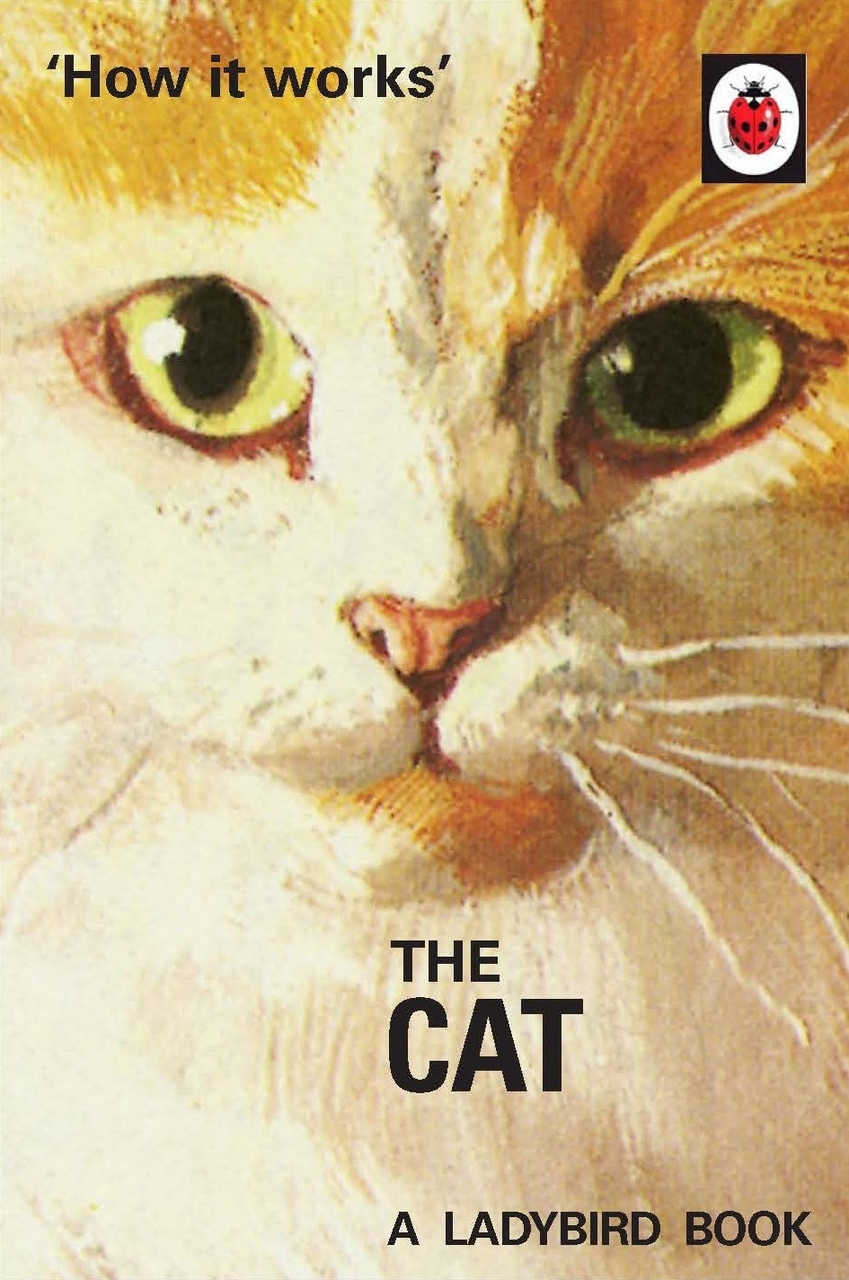
How it Works: The Cat- a nugget of wisdom from bestselling authors Jason Hazeley and Joel Morris.
This delightful book is the latest in the series of Ladybird books which have been specially planned to help grown-ups with the world about them.
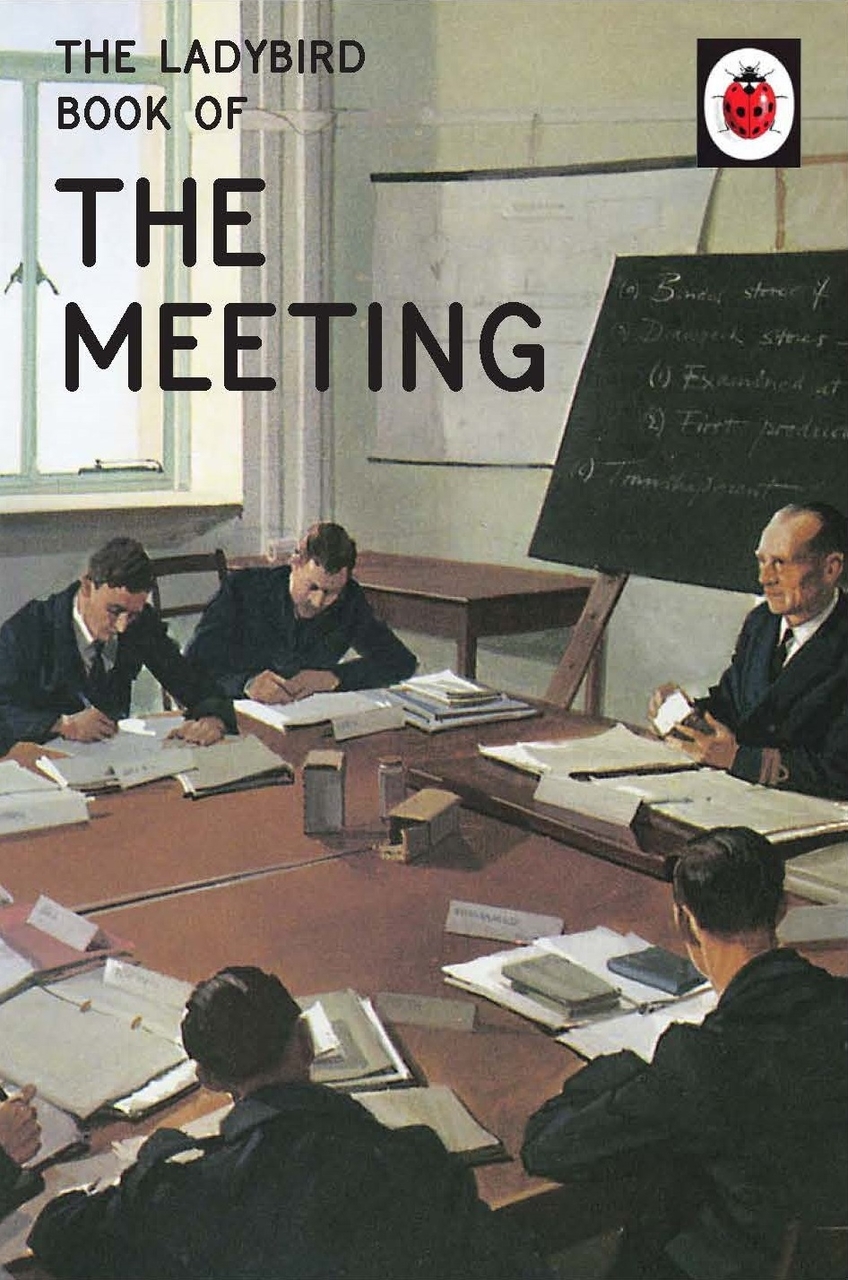
The large clear script, the careful choice of words, the frequent repetition and the thoughtful matching of text with pictures all enable grown-ups to think they have taught themselves to cope. Featuring original Ladybird artwork alongside brilliantly funny, brand new text. Other new titles for Autumn 2016: How it Works: The Student How it Works: The Dog How it Works: The Grandparent The Ladybird Book of the Meeting The Ladybird Book of Red Tape The Ladybird Book of the People Next Door The Ladybird Book of the Sickie The Ladybird Book of the Zombie Apocalypse Previous titles in the Ladybirds for Grown Ups series: How it Works: The Husband How it Works: The Wife How it Works: The Mum How it Works: The Dad The Ladybird Book of the Mid-Life Crisis The Ladybird Book of the Hangover The Ladybird Book of Mindfulness The Ladybird Book of the Shed The Ladybird Book of Dating The Ladybird Book of the Hipster
Über Jason Hazeley, Joel Morris
E-Book Informationen
Alle hier erworbenen E-Books können Sie in Ihrem Kundenkonto in die kostenlose PocketBook Cloud laden. Dadurch haben Sie den Vorteil, dass Sie von Ihrem PocketBook E-Reader, Ihrem Smartphone, Tablet und PC jederzeit auf Ihre gekauften und bereits vorhandenen E-Books Zugriff haben.
Um die PocketBook Cloud zu aktivieren, loggen Sie sich bitte in Ihrem Kundenkonto ein und gehen dort in den Bereich „E-Books“. Setzen Sie hier einen Haken bei „Neue E-Book-Käufe automatisch zu meiner Cloud hinzufügen.“. Dadurch wird ein PocketBook Cloud Konto für Sie angelegt. Die Zugangsdaten sind dabei dieselben wie die Ihres Kundenkontos in diesem Webshop.
Weitere Informationen zur PocketBook Cloud finden Sie unter www.meinpocketbook.de.
Allgemeine E-Book-Informationen
E-Books in diesem Webshop können in den Dateiformaten EPUB und PDF vorliegen und können ggf. mit einem Kopierschutz versehen sein. Sie finden die entsprechenden Informationen in der Detailansicht des jeweiligen Titels.
E-Books ohne Kopierschutz oder mit einem digitalen Wasserzeichen können Sie problemlos auf Ihr Gerät übertragen. Sie müssen lediglich die Kompatibilität mit Ihrem Gerät prüfen.
„Bei E-Books die mit Readium LCP geschützt sind erscheint bei dem ersten Öffnen auf ihrem Reader ein Hinweisfenster mit der Aufforderung ein Passwort einzugeben. Gleichzeitig öffnet sich ein Infofeld in dem das Passwort steht. Tragen Sie dieses Passwort in das Eingabefeld ein und bestätigen Sie die Eingabe. Danach öffnet sich das E-Book automatisch. Um E-Books die mit Readium LCP geschützt sind auf einem Tablet/Laptop/Smartphone lesen zu können, benötigen Sie ein Programm, das in der Lage ist, mit diesem Kopierschutz umzugehen. Das ist z.B. der Thorium Reader (Windows, Mac, Linux) oder die PocketBook App (iOS, Android). Fügen Sie das heruntergeladene E-Book in das Programm ein. Bei dem ersten Öffnen erscheint ein Hinweisfenster mit der Aufforderung ein Passwort einzugeben. Gleichzeitig öffnet sich ein Infofeld in dem das Passwort steht. Tragen Sie dieses Passwort in das Eingabefeld ein und bestätigen Sie die Eingabe. Danach öffnet sich das E-Book automatisch.“